> ## Documentation Index
> Fetch the complete documentation index at: https://docs.trykondo.com/llms.txt
> Use this file to discover all available pages before exploring further.
# New connections
The [connections](https://app.trykondo.com/connections) tab in Kondo allows you to see all your 1st degree connections on LinkedIn.
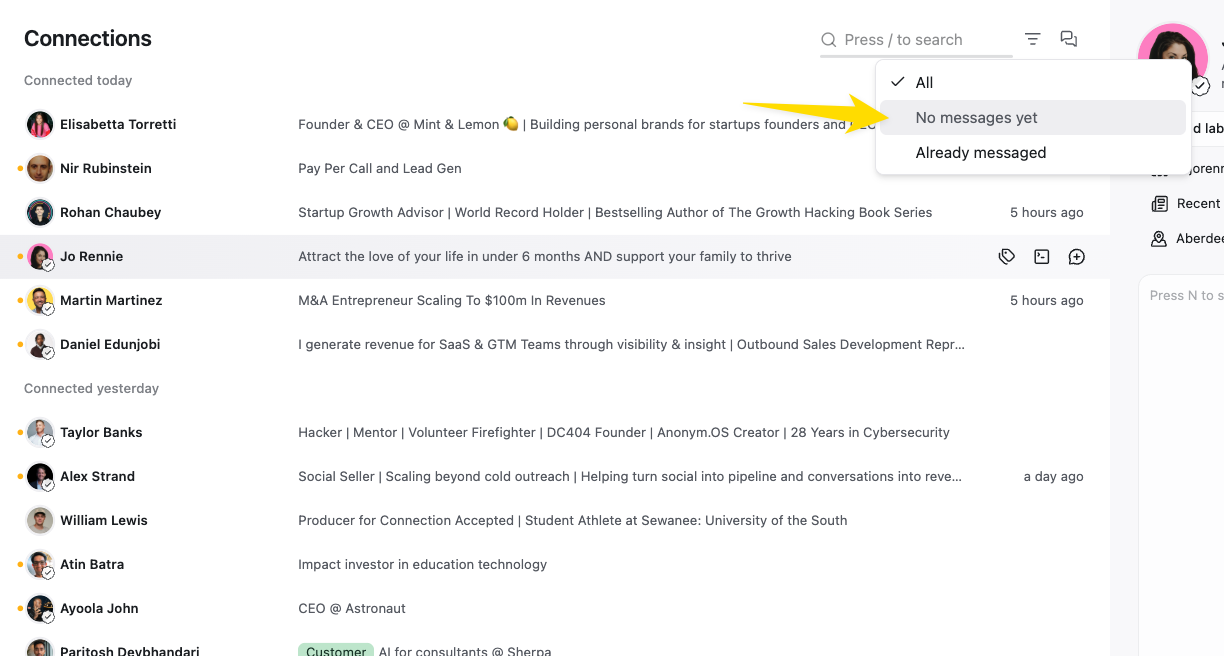
You can filter connections for those with no messages yet:
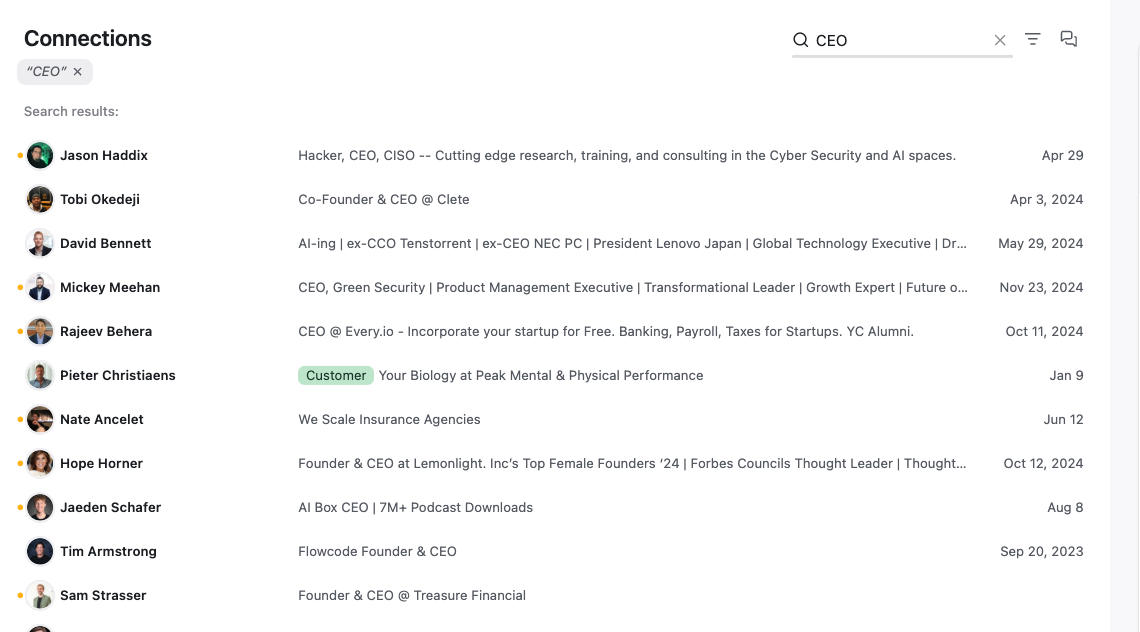
Or search by keyword to find specific connections to reach out to:
Keywords will fuzzy search the entire LinkedIn profile of a connection. You can add multiple keywords with a space in between e.g. "founders san francisco"
Try these types of keywords:
* Name (note that only first name, last name or full name will return results, partial name searches will not work)
* Company
* Job Title
* Location
 Or search by keyword to find specific connections to reach out to:
 Keywords will fuzzy search the entire LinkedIn profile of a connection. You can add multiple keywords with a space in between e.g. "founders san francisco"
Try these types of keywords:
* Name (note that only first name, last name or full name will return results, partial name searches will not work)
* Company
* Job Title
* Location
Keywords will fuzzy search the entire LinkedIn profile of a connection. You can add multiple keywords with a space in between e.g. "founders san francisco"
Try these types of keywords:
* Name (note that only first name, last name or full name will return results, partial name searches will not work)
* Company
* Job Title
* Location