> ## Documentation Index
> Fetch the complete documentation index at: https://docs.trykondo.com/llms.txt
> Use this file to discover all available pages before exploring further.
# Reminders
Setting a reminder (shortcut H) temporarily archives a message, and returns it to the top of your inbox at the time it is due.
If you get a new message before it is due, the reminder will be cancelled and the conversation will return to the top of your inbox
Due reminders will appear with a purple indicator dot
### Setting custom reminder times
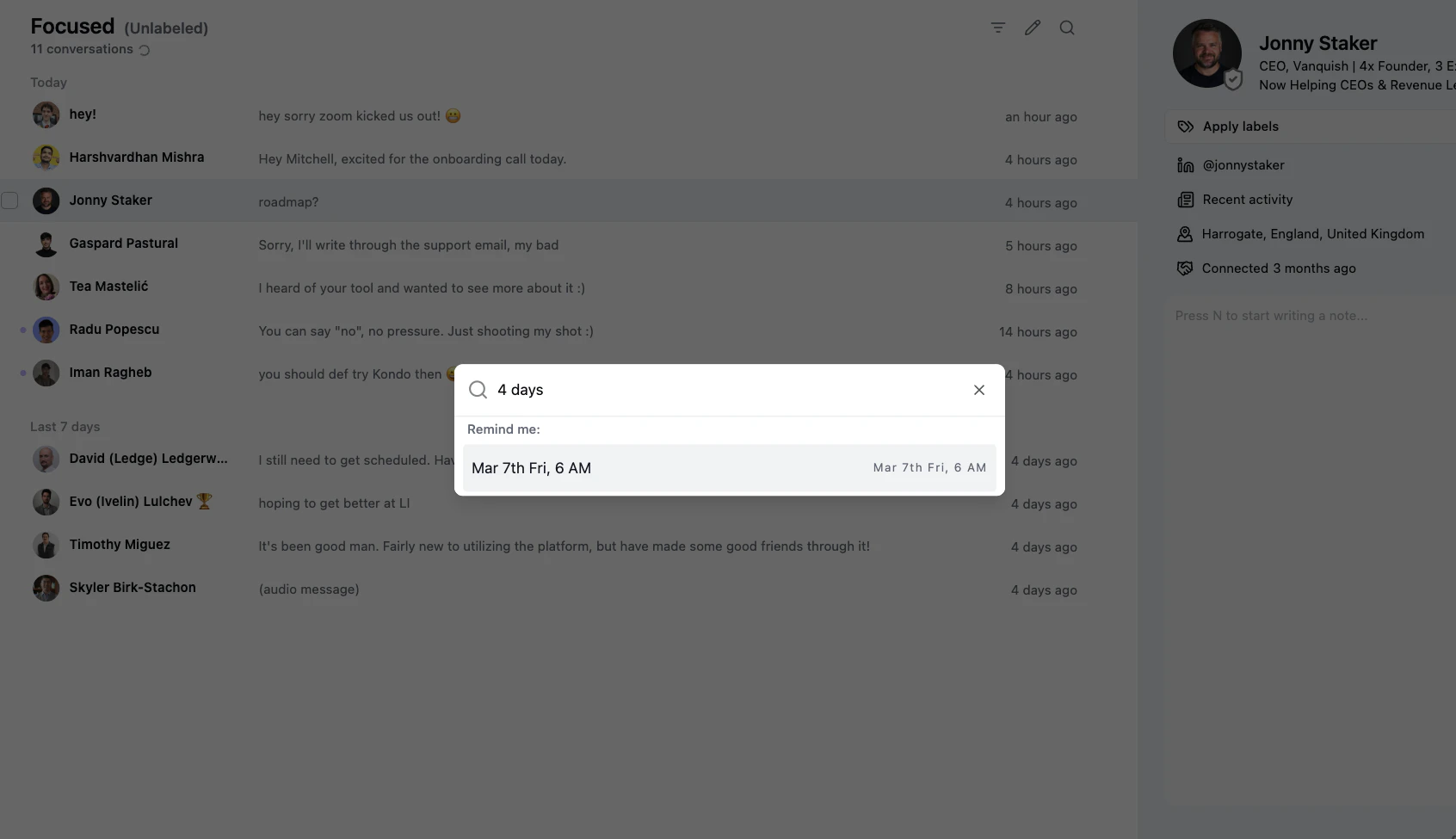
If you want to set a reminder for a specific time not on the default list, simply type a time period e.g.
* next wednesday
* in 4 days
* thursday 10pm
 ### What happens in LinkedIn
We move conversations to the archive in LinkedIn too, and bring them back when reminders are due. They will however not sort to the top of your LinkedIn native inbox
### What happens in LinkedIn
We move conversations to the archive in LinkedIn too, and bring them back when reminders are due. They will however not sort to the top of your LinkedIn native inbox