> ## Documentation Index
> Fetch the complete documentation index at: https://docs.trykondo.com/llms.txt
> Use this file to discover all available pages before exploring further.
# Voice notes
### What is a voice note?
LinkedIn allows you to send voice notes to your connections. They look like this in LinkedIn.
 ### Why can’t I find this in LinkedIn on desktop?
LinkedIn only lets you send voice notes on your mobile app.
In addition, when sending it on the mobile app, you press the button to record and release to send. You can’t play back your recording before sending and can’t wait a second before sending it
### How do I send a voice note in Kondo?
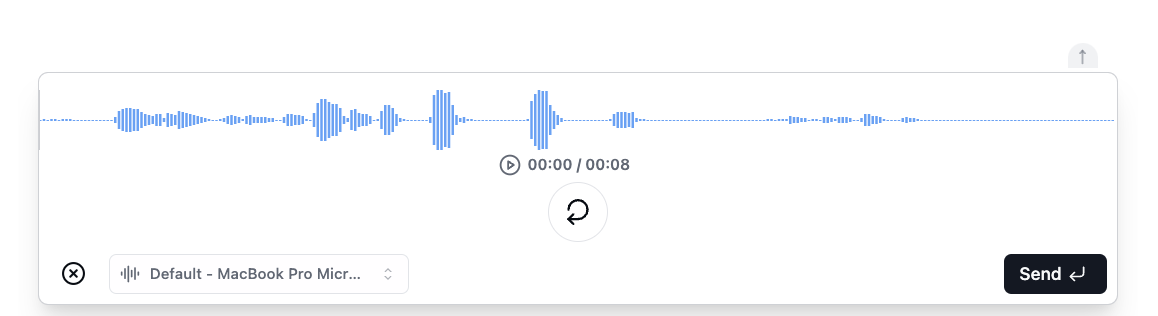
Simply click the mic icon on the bottom left of the chat box, or hit shortcut “V”
Then start recording by clicking the mic or hitting spacebar.
### Why can’t I find this in LinkedIn on desktop?
LinkedIn only lets you send voice notes on your mobile app.
In addition, when sending it on the mobile app, you press the button to record and release to send. You can’t play back your recording before sending and can’t wait a second before sending it
### How do I send a voice note in Kondo?
Simply click the mic icon on the bottom left of the chat box, or hit shortcut “V”
Then start recording by clicking the mic or hitting spacebar.