
Inbox management
🧹 Clean Up My Inbox
Decluttering your inbox of old inactive conversations will help you focus on those that need replies today.
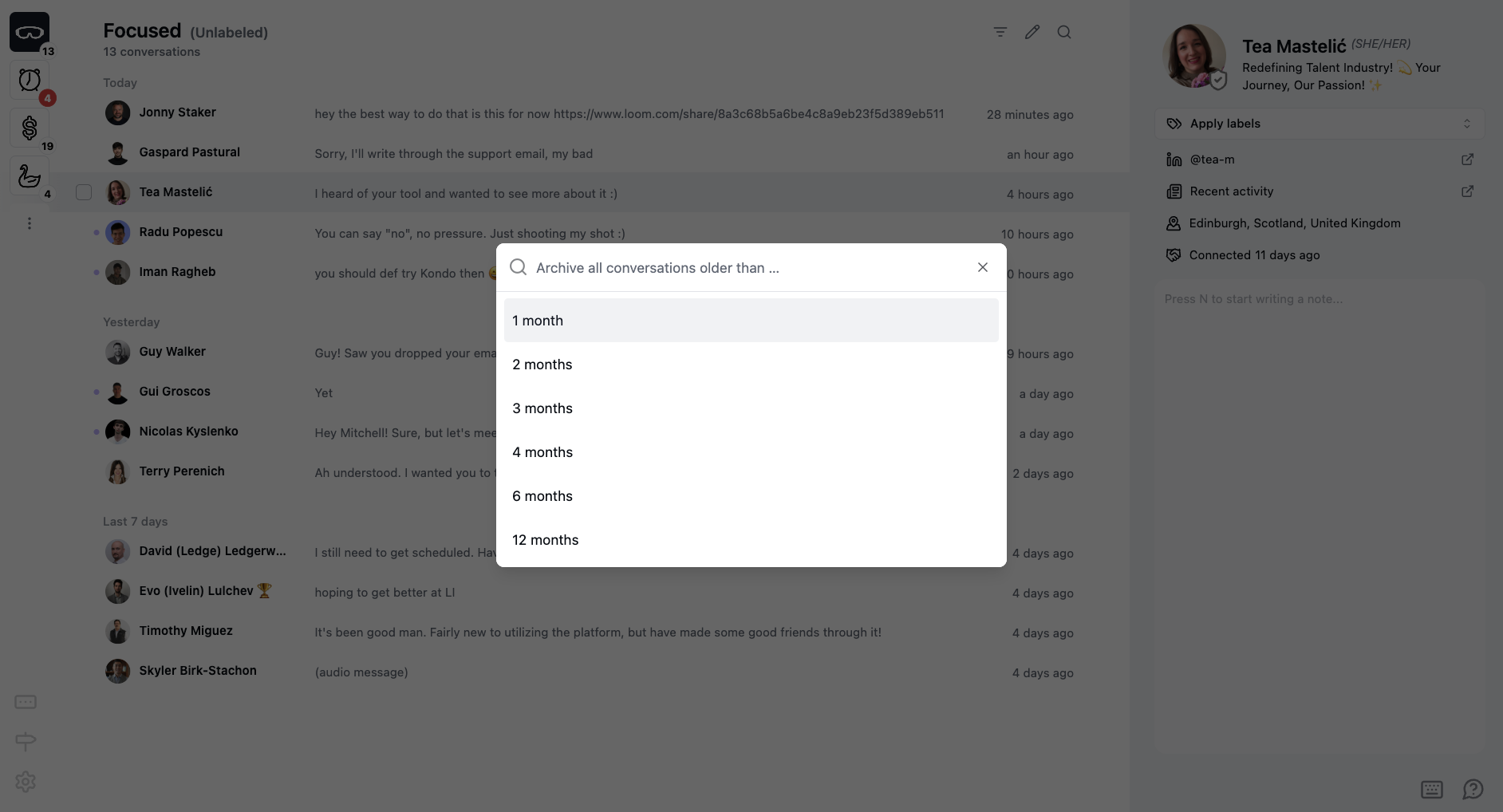
To clear old conversations in bulk, use Cmd + K —> Clean Up My Inbox (Ctrl + K on Windows)
When you first connect your LinkedIn account to Kondo, you might have a large backlog of old conversations.
Select a time window, and Kondo will bulk archive all conversations older than that date