
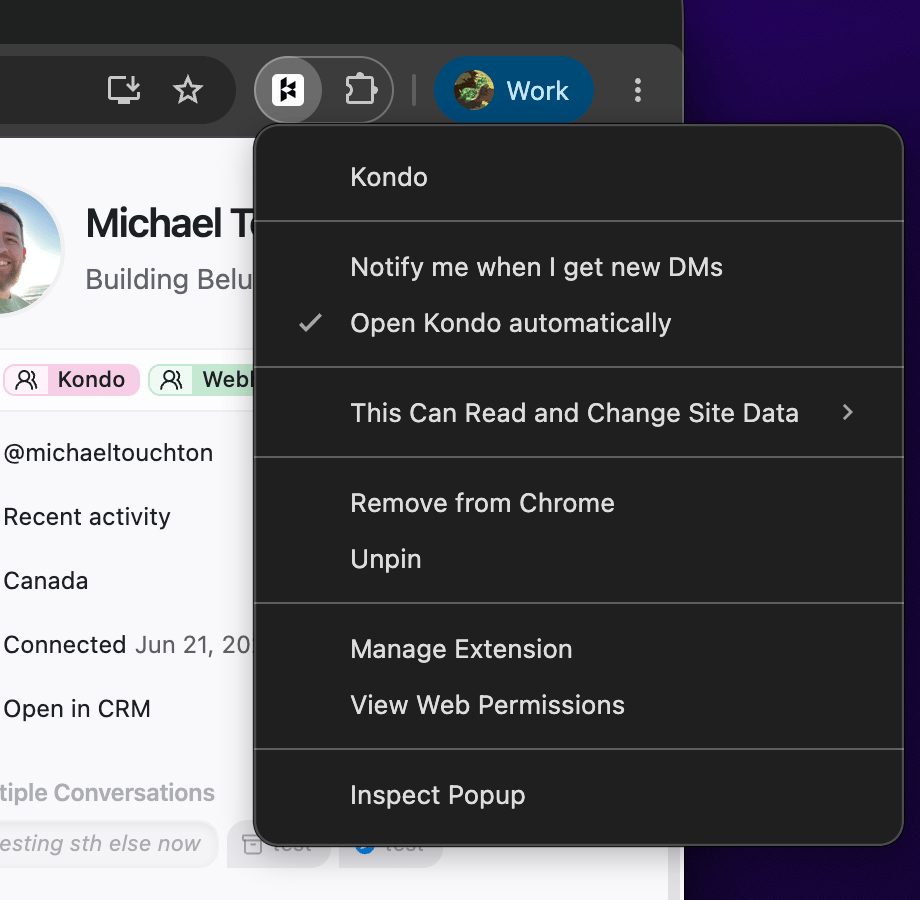
From the extension icon
Works even if you’re not signed in to Kondo:- Right-click the Kondo icon in your browser’s toolbar — if you don’t see it, click the puzzle-piece icon to find it
- Untick Open Kondo automatically
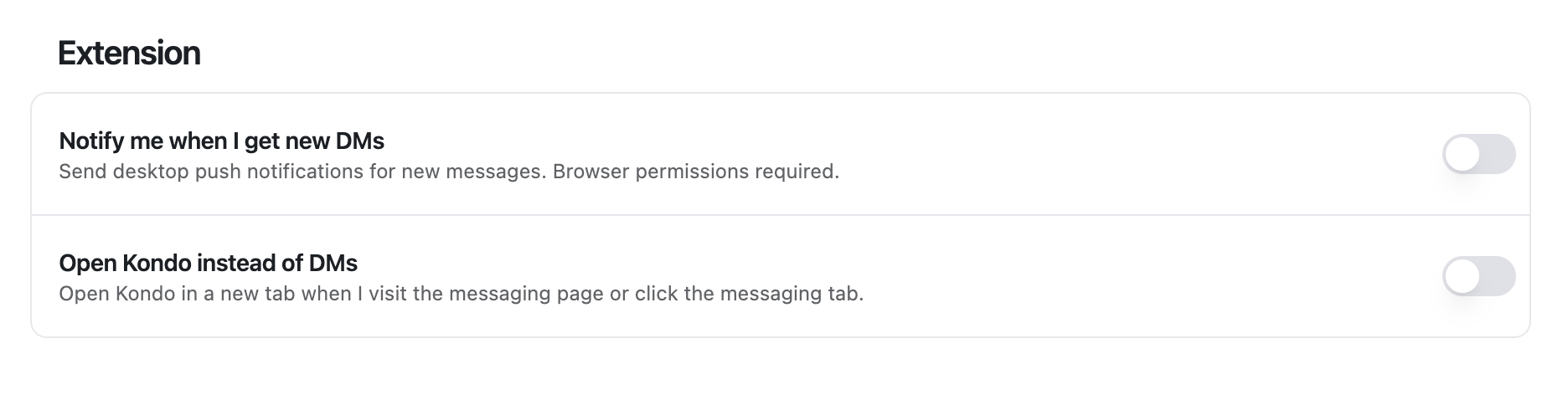
From Kondo settings
- In Kondo, go to Settings → Preferences
- Under Extension, toggle off Open Kondo instead of DMs
Still stuck? Contact us.